
Shopify Integration
Snapchat has partnered with Shopify. To connect your pixel with Shopify, simply follow the instructions below.
Shopify Integration
Snapchat has partnered with Shopify. To connect your pixel with Shopify, simply follow the instructions below.
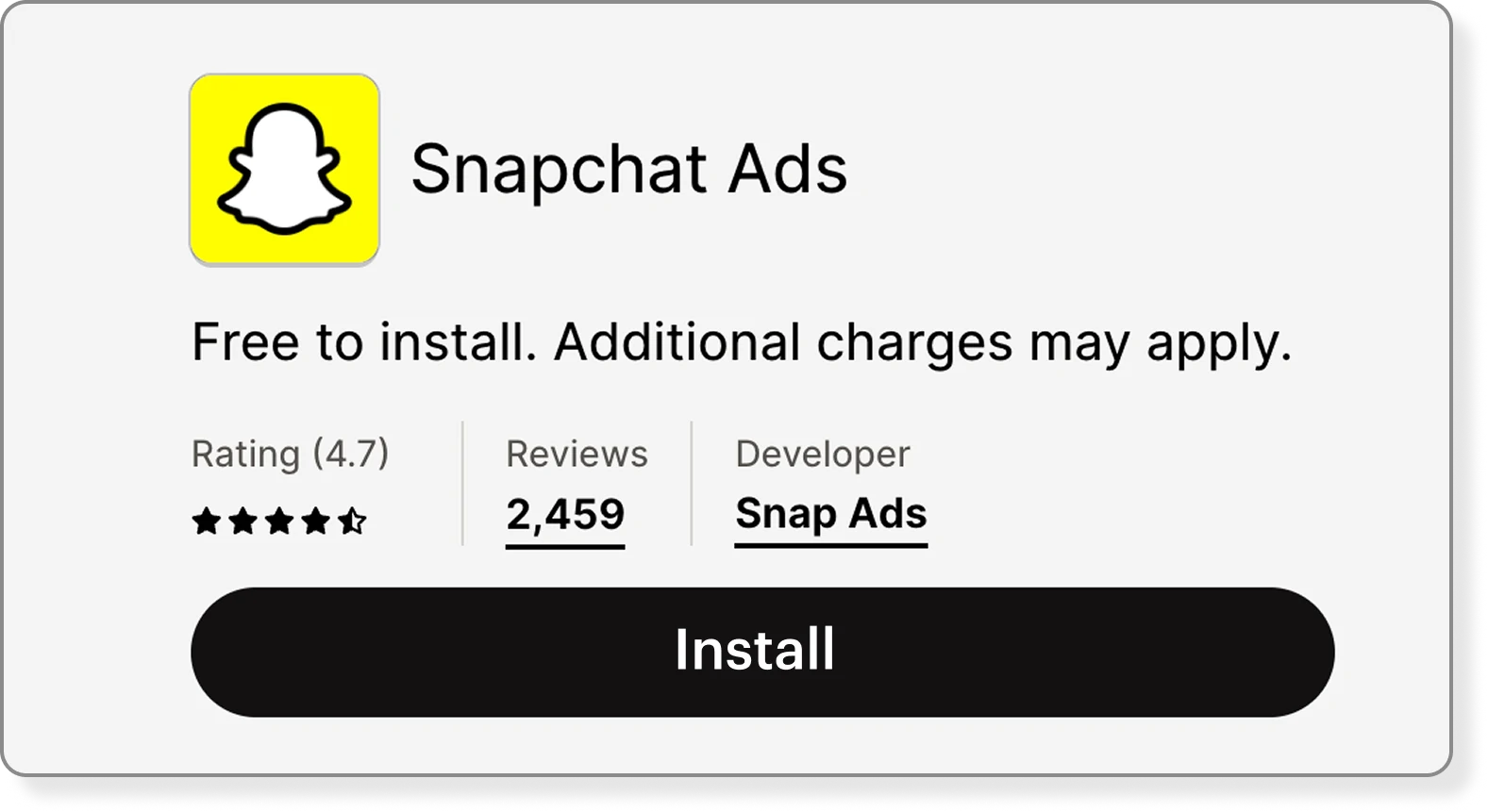
2. Install the Snapchat Ads App through this link, it will take you to (3)
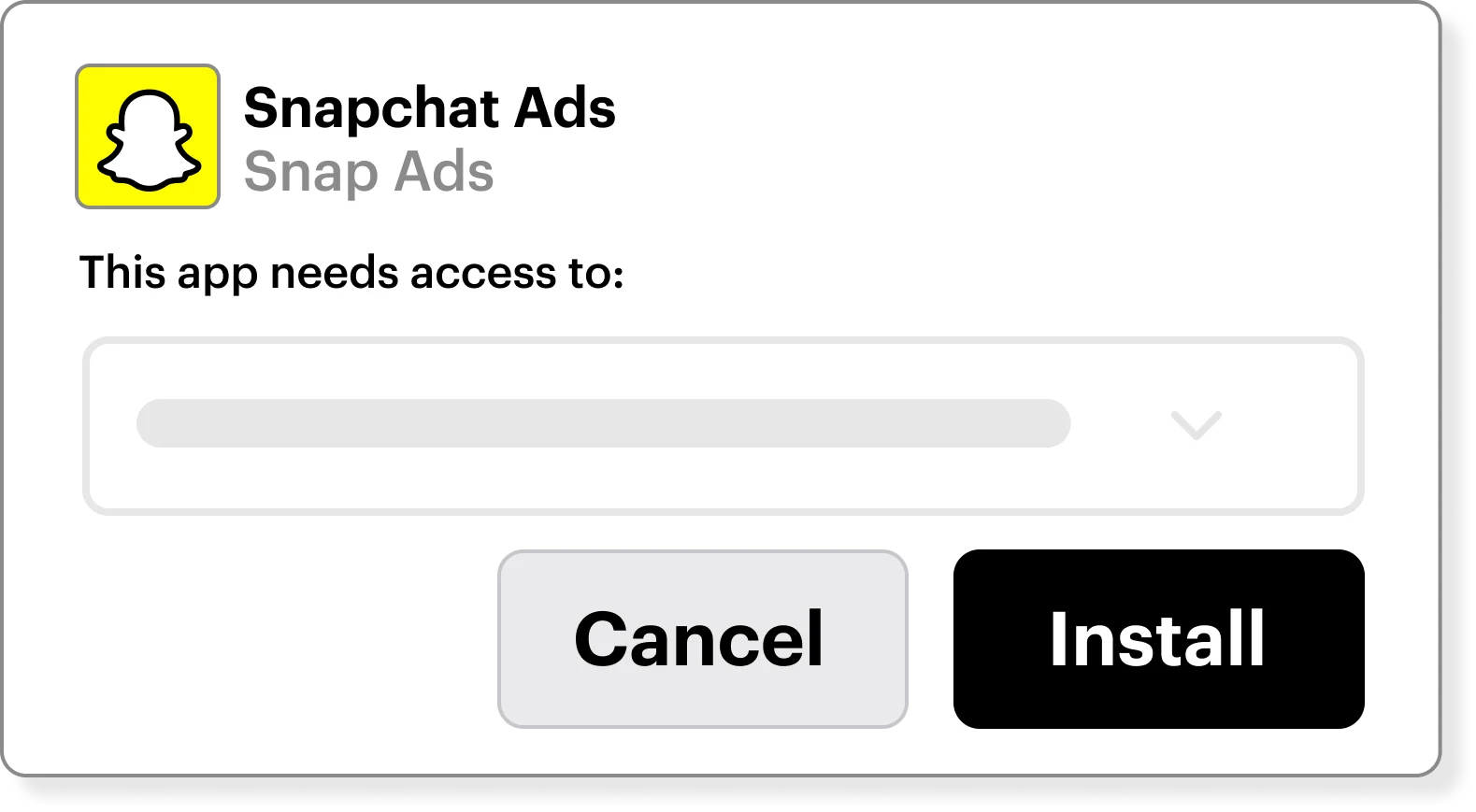
3. Once in Shopify, click Install
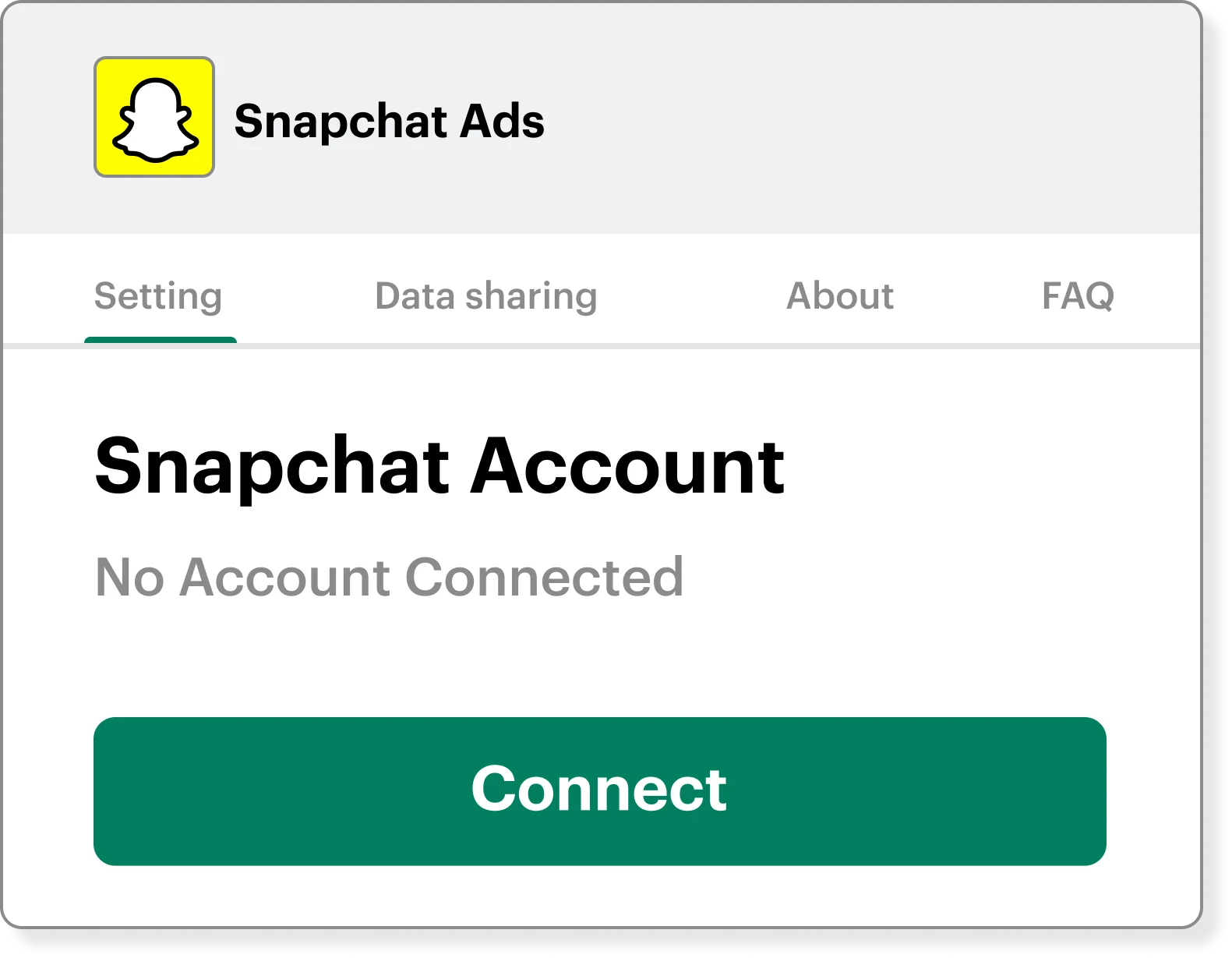
4. In Shopify, Navigate to Snapchat Ads, under the Settings Tab and click Connect (should be similar to this process)
Reach out to your Snapchat Rep for support with signal setup.
1. Login to your Shopify Account
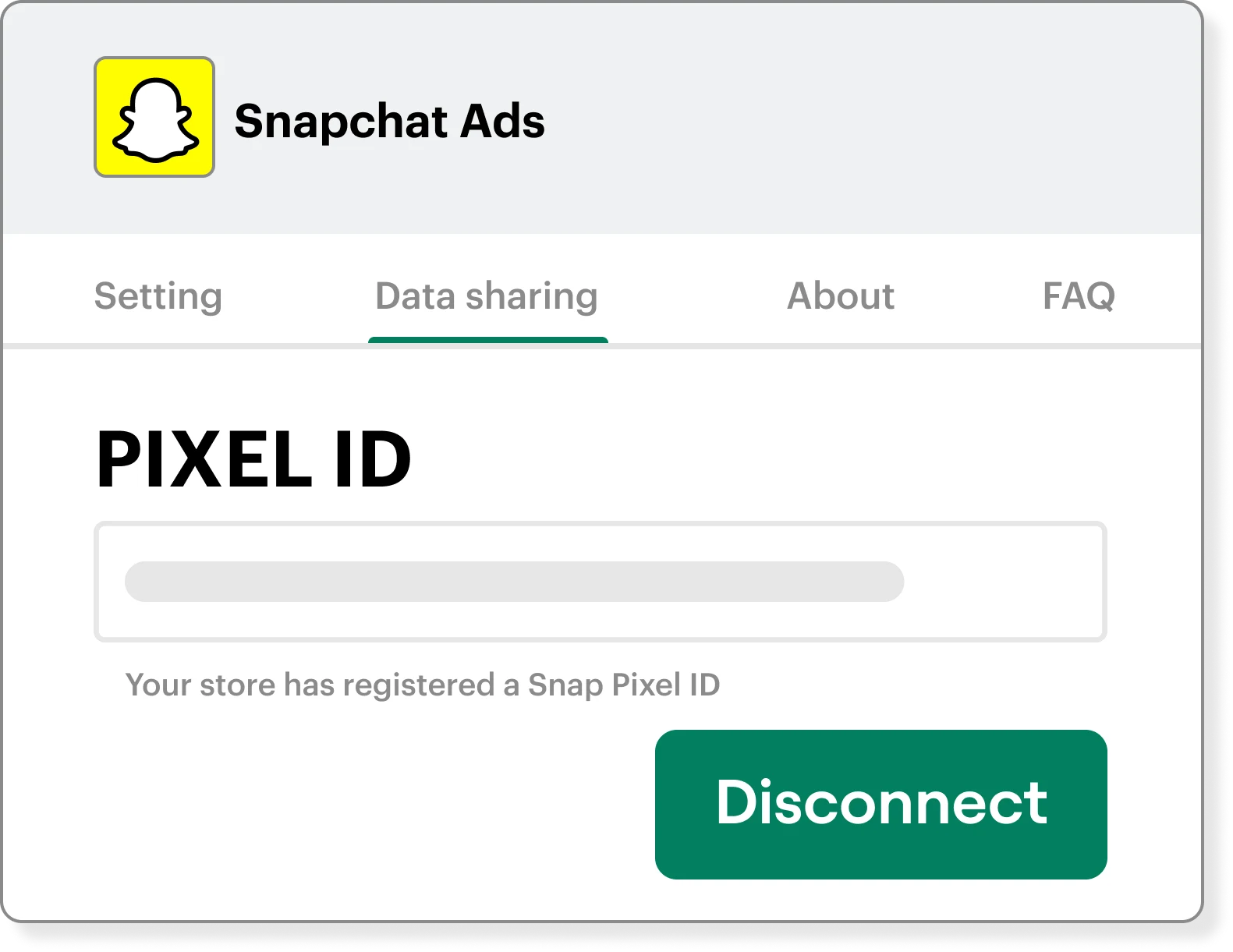
6. In the Shopify UI, under Snapchat Ads, click on the Data Sharing tab. Your pixel id should already be connected. If not, refresh the page.
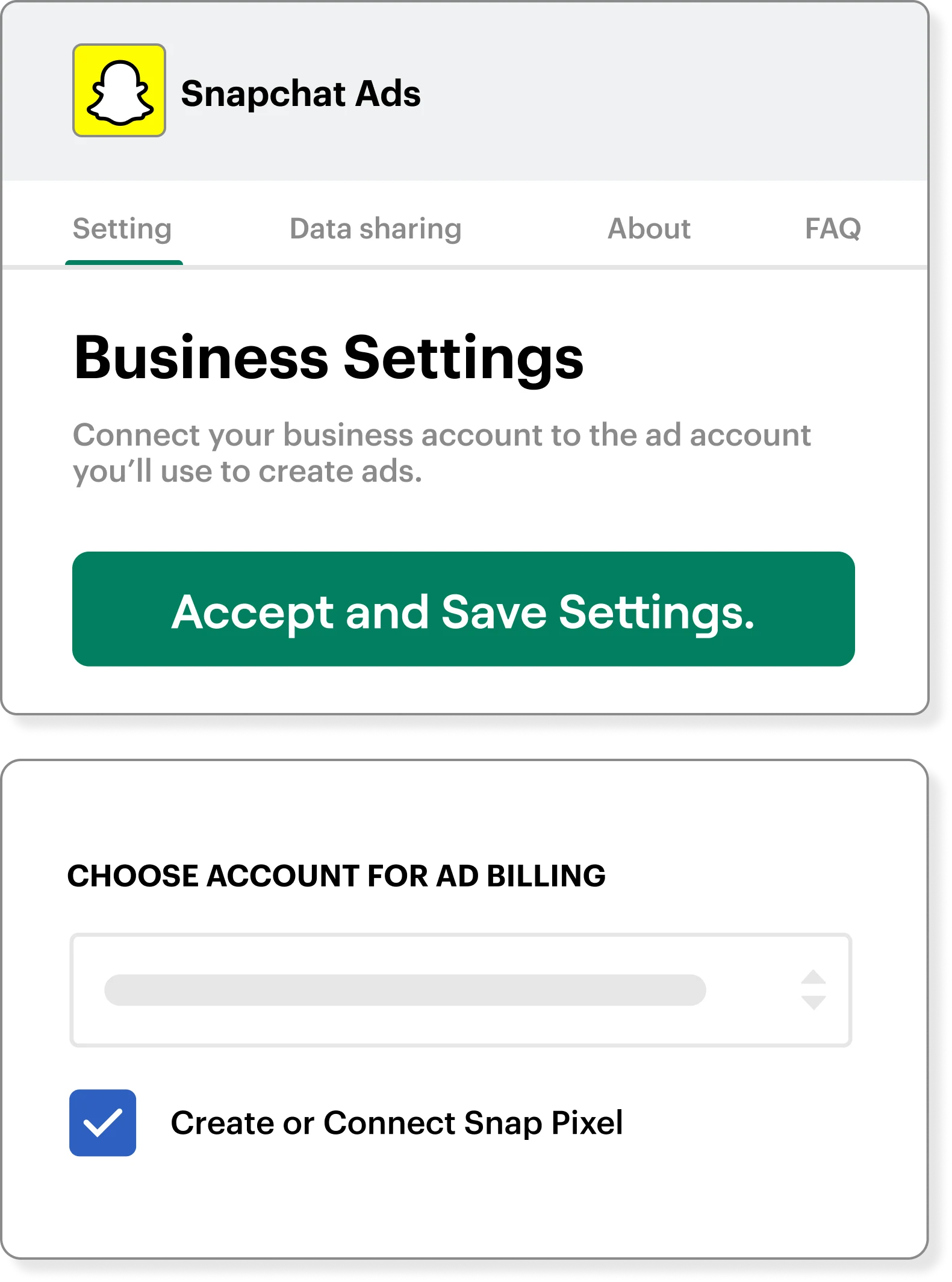
5. After signing in to Snapchat, go back to the Shopify UI.
In the Shopify UI, under Snapchat Ads, under the Settings tab, mark the required fields and Accept and Save Settings. Reference this process.
Find them here.
Find them here.
Review this article about Enhanced Signal Integration with Shopify. Legacy integrations may require some updating to enable CAPI.