
Stronger Signals
CAPI sends conversion events directly from your server to Snapchat, improving measurement, targeting, and ad optimization while complying with privacy regulations.
Why the Conversions API?

CAPI sends conversion events directly from your server to Snapchat, improving measurement, targeting, and ad optimization while complying with privacy regulations.

By sending events directly to Snapchat via CAPI, you get more accurate conversion tracking and attribution, leading to better ad performance insights.

CAPI helps match your ads to the right audience by sending data directly to Snapchat, improving the ability of your ads to find the people most likely to convert.
Advertisers that use both the Snap Pixel and CAPI have seen:


Enjoy Simplified CAPI Setup with Stape in Just 3 Steps
You can use Stape to set up the Conversions API in 3 simple steps:
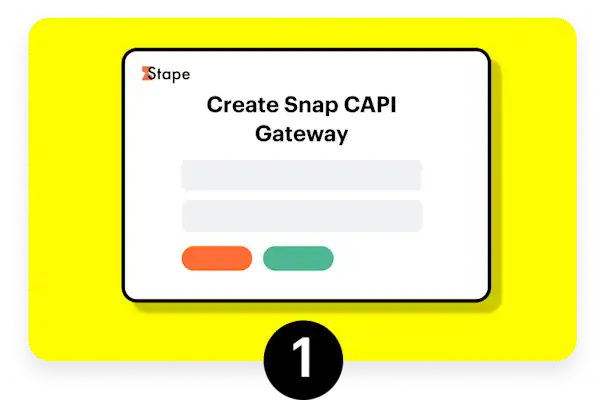
Create your Stape Account if you don't already have one, or log in.
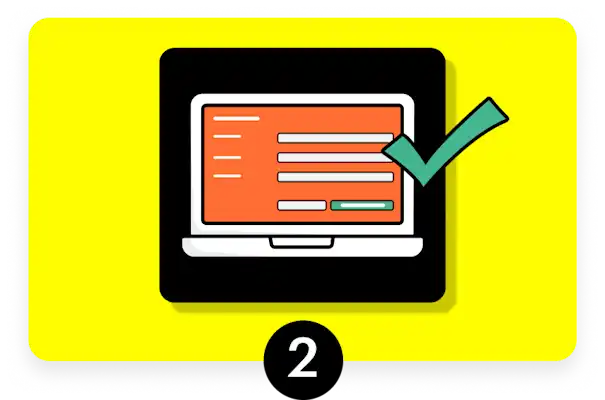
Click "Create Snapchat CAPI Gateway" and complete the setup (see guide).

Connect your Snap Pixel to the Snapchat CAPI Gateway (see guide).
Snap Pixel is a browser-based code on your website to track user actions after they interact with your Snapchat ads whereas Snapchat Conversions API (CAPI) is a privacy-safe, server-to-server connection that sends conversion events directly from your server to Snapchat instead of relying solely on browser tracking. CAPI allows you to send data about user actions without depending on cookies, making it more reliable in a privacy-focused landscape. It can capture events that might not be tracked by Snap Pixel due to browser limitations.
We recommend using both Snap Pixel and CAPI together provides a fuller picture of user behavior and enhances your ability to effectively track and optimize your advertising efforts!
For a limited time, Stape is offering 1 month free–just use code SSGW10 (for the $10/month plan) or SSGW100 (for the $100/month plan) when creating your Stape account.² In general, Stape is $10/month for each pixel or $100/month for up to 100 pixels. Pricing is subject to change; see Stape for the latest pricing.
You can use a single Snapchat CAPI Gateway to set up multiple Snapchat pixels across different domains. Additionally, pixels from various Snapchat Business Accounts can be connected to the same CAPI Gateway, provided you have admin access to all the pixels. The process is straightforward: configure your Snapchat CAPI Gateway, then add new pixels through the hub interface.
Snapchat CAPI Gateway provides an easy, quick setup designed specifically for Snapchat event tracking with minimal effort. On the other hand, setting up Snapchat CAPI through server GTM offers greater flexibility and customization but requires more technical configuration and ongoing management.
